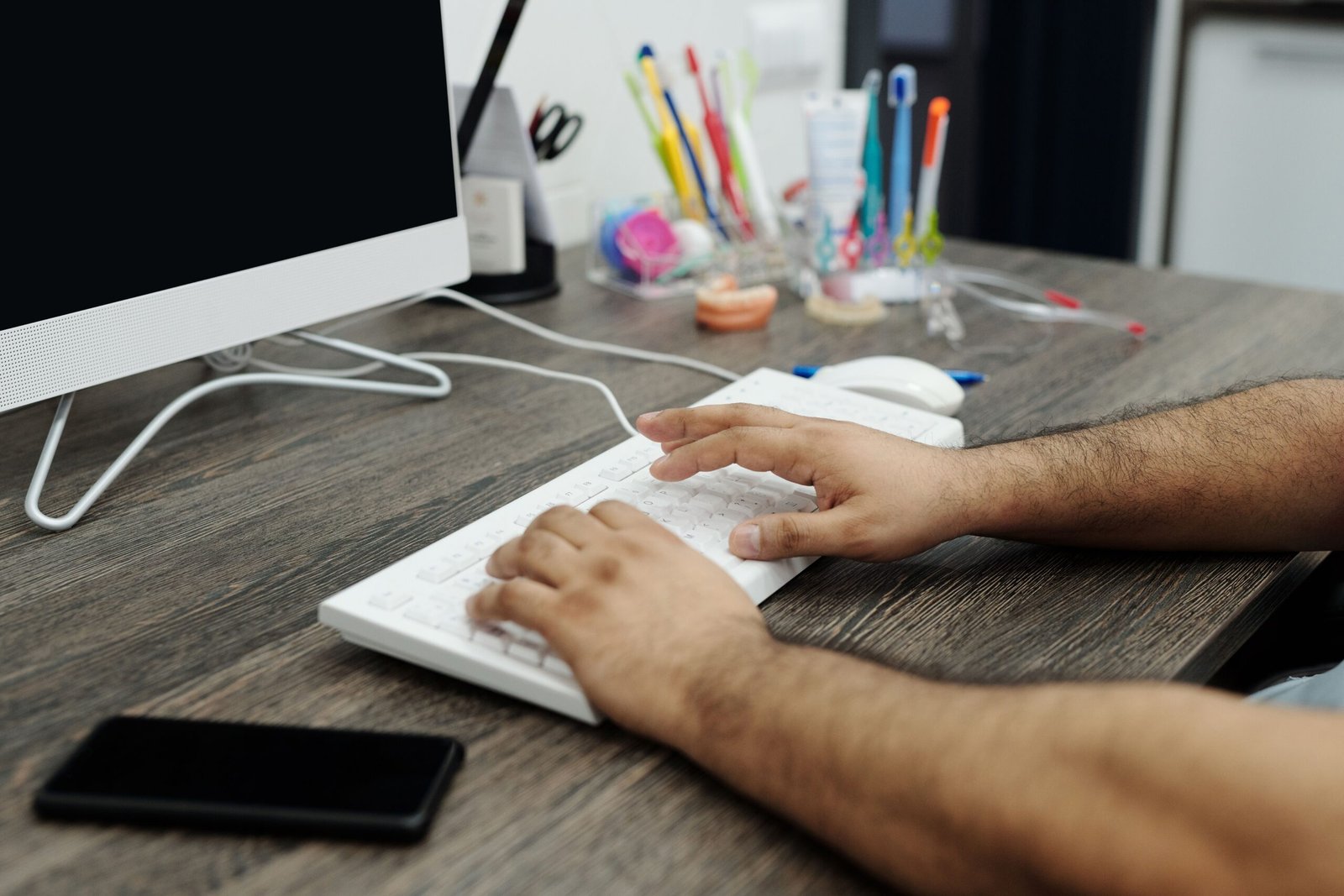
If you spend most of your workday sitting at a desk, staring at a screen, you’ve probably felt some version of the same complaints. A tight neck by mid-afternoon. Eyes that feel dry and tired by the time you close your laptop. A vague ache in your lower back that seems to show up around hour six, like clockwork. None of this means something is seriously wrong with you. It means your body is doing exactly what bodies do when they’re asked to hold the same position for long stretches of time, day after day.
The truth is, humans weren’t really built for eight hours of sitting. Our bodies are designed for movement, variety, and regular changes in position. Desk work asks us to do the opposite, and over time, that mismatch tends to show up as physical discomfort, whether that’s back pain, stiff shoulders, strained eyes, or a general sense of fatigue that’s hard to explain.
The good news is that most desk-related health issues are highly preventable, and the fixes don’t require an expensive ergonomic overhaul or hours of your day. Small, consistent changes to how you sit, how you use your screen, and how often you move tend to make a bigger difference than people expect. This article covers three areas that matter most for desk workers: posture, eye strain, and movement breaks, along with practical steps you can start using right away.
Posture: It’s Not About Sitting Up Perfectly Straight
A lot of us grew up with the idea that good posture means sitting bolt upright with your shoulders pinned back, like you’re posing for a portrait. In reality, that’s not quite right, and trying to hold a rigid “perfect” posture all day is neither realistic nor necessary. The better goal is a posture that keeps your body reasonably aligned and, just as importantly, one that changes throughout the day rather than staying locked in one position for hours.
Why posture matters. Poor posture, especially when sustained for long periods, puts uneven strain on muscles, joints, and spinal discs. Slouching forward, for example, tends to round the shoulders and compress the chest, which can contribute to neck and upper back tension over time. Sitting with your head jutted forward toward the screen, sometimes called “tech neck,” puts significant extra strain on your neck muscles, since your head effectively gets heavier the further forward it tilts. Over months and years, these patterns can contribute to chronic discomfort, reduced flexibility, and in some cases, more serious issues with the spine.
Setting up your workspace. A few adjustments to your desk setup can make a real difference in how your body holds up over a workday.
Your monitor should sit roughly at eye level, with the top of the screen at or just slightly below your eyeline, so you’re not tilting your head up or down for long periods. If you’re working from a laptop, consider a stand or a stack of books to raise it, paired with an external keyboard and mouse so your hands aren’t cramped up near a raised screen.
Your chair should support your lower back, ideally with some lumbar support, whether that’s built into the chair or added with a small cushion. Your feet should rest flat on the floor or on a footrest if your chair is too high, and your knees should sit roughly level with or slightly below your hips.
Your arms should be able to rest comfortably at your sides with your elbows close to a 90-degree angle when typing, rather than reaching up or out for your keyboard. If your wrists are bending upward while you type, consider adjusting your chair height or looking into a keyboard tray.
The bigger point about posture. Even with a perfectly set-up desk, staying in any single position, however “correct,” for hours at a time isn’t great for your body. This is why posture and movement are really two sides of the same issue. The healthiest approach isn’t finding the one ideal position and holding it rigidly. It’s shifting your posture periodically throughout the day, leaning back sometimes, sitting upright other times, standing if you have the option, and generally avoiding long stretches of stillness in any one position.
If you notice yourself slouching or hunching forward, rather than trying to force a rigid correction, it can help to simply do a quick posture reset: roll your shoulders back and down, gently tuck your chin, and lengthen through the top of your head, like something is lightly pulling you upward. This takes a few seconds and can be repeated throughout the day as a quick check-in, without needing to maintain constant, effortful vigilance over how you’re sitting.
Eye Strain: The Often Overlooked Desk Complaint
Posture tends to get most of the attention in desk job health advice, but eye strain is just as common and, for a lot of people, just as uncomfortable. If you’ve ever ended a workday with dry, tired, or achy eyes, or noticed more headaches on days with heavy screen use, you’ve experienced some version of digital eye strain, sometimes called computer vision syndrome.
Why screens cause eye strain. A few things are going on here. When we look at screens, we tend to blink significantly less often than we do during other activities, sometimes by half or more. Blinking spreads moisture across the eyes, so less blinking means drier, more irritated eyes over the course of a day. Screens also tend to involve a lot of close-range focusing for extended periods, which can fatigue the small muscles inside your eyes responsible for adjusting focus. And glare, poor lighting, or a screen positioned at an awkward distance or angle can all add extra strain on top of that.
The 20-20-20 rule. This is one of the most commonly recommended strategies for reducing digital eye strain, and it’s simple enough to actually stick with. Every 20 minutes, look at something roughly 20 feet away for at least 20 seconds. This gives the focusing muscles in your eyes a genuine break from close-range screen work and is one of the more well-supported general recommendations for reducing eye fatigue during long stretches of screen time.
It doesn’t need to be complicated. Looking out a window, glancing across the room, or simply shifting your focus to something farther away for a few breaths is enough. Some people set a recurring timer or use an app that reminds them, at least until the habit becomes more automatic.
Blink more, on purpose. Since screen use tends to reduce natural blinking, occasionally making a conscious effort to blink fully and slowly, a few times in a row, can help redistribute moisture across your eyes. This is a small thing, but it costs nothing and takes just a few seconds.
Adjust your screen brightness and contrast. A screen that’s dramatically brighter or dimmer than the room around it forces your eyes to work harder adjusting between the two. Try to keep your screen brightness roughly matched to the lighting in your environment, rather than having a glaringly bright screen in a dim room or vice versa.
Consider text size and distance. If you find yourself leaning in toward your screen to read small text, that’s often a sign it’s worth increasing the font size or zoom level rather than continuing to strain forward. Your screen should generally sit about an arm’s length away, roughly 20 to 28 inches, with text large enough that you’re not squinting or leaning in to read it.
Manage glare and lighting. Position your screen to avoid direct glare from windows or overhead lights, and consider whether your overall room lighting might be contributing to strain. Very bright overhead lighting combined with a screen can create a harsh contrast that tires your eyes faster than a softer, more evenly lit environment.
When to see an eye doctor. If you’re doing all of this and still experiencing persistent eye strain, frequent headaches, or noticeable changes in your vision, it’s worth getting your eyes checked. Sometimes digital eye strain is a sign that your current vision correction, if you wear glasses or contacts, isn’t quite right for the kind of close, sustained screen work you’re doing, and a small prescription adjustment can make a meaningful difference.
Movement Breaks: The Piece Most People Skip
Of the three areas covered in this article, movement is probably the one people know they should be doing and yet skip the most consistently. It’s easy to get absorbed in work, tell yourself you’ll get up “in a few minutes,” and then look up to realize two hours have passed without moving from your chair.
Why movement breaks matter so much. Prolonged sitting, independent of how much exercise you do outside of work, has been linked in research to a range of health concerns, including increased risk of cardiovascular issues, some metabolic effects, and general musculoskeletal stiffness and discomfort. This is sometimes summarized by researchers with the idea that sitting for extended, uninterrupted periods carries risks that a single daily workout doesn’t fully offset, even though regular exercise is still enormously valuable for your overall health. In other words, being active for 30 minutes in the morning doesn’t cancel out eight hours of continuous sitting the rest of the day. What seems to matter most is breaking up long sitting periods with regular movement, even briefly.
How often should you move? A commonly cited general guideline is to stand up and move for a few minutes at least once every 30 to 60 minutes. This doesn’t need to be a full workout or even leaving your desk area. It can be as simple as standing up, stretching, walking to refill your water, or pacing for a minute or two while you think through a problem.
Simple ways to build in movement. A few practical strategies tend to work well for people who struggle to remember to move on their own.
Set a recurring timer or alarm, even something as basic as a phone reminder every 45 minutes, as a cue to stand up and move for a minute or two before sitting back down.
Take phone calls standing up or walking around, when possible, rather than staying seated for the entire call. This is an easy way to build in movement without it feeling like a separate task you have to carve out time for.
Use a standing desk if you have access to one, and alternate between sitting and standing throughout the day rather than standing continuously, which can also become tiring if held too long without breaks.
Walk during breaks instead of scrolling on your phone. A short walk, even just around your home or office, tends to do more for your body and mind than the same few minutes spent looking at another screen.
Take the stairs, park a little farther away, or build small pockets of extra movement into transitions between tasks or meetings throughout your day.
Simple stretches for desk workers. A few stretches specifically target the areas that tend to get tightest from desk work, and most take less than a minute each.
For your neck, gently tilt your head toward one shoulder, holding for 15 to 20 seconds, then switch sides. This helps release tension that builds up from looking at a screen for long periods.
For your shoulders, roll them backward in slow circles a few times, then forward, which can help counteract the forward-rounded posture that often develops from typing and screen work.
For your chest, stand in a doorway with your arms bent at 90 degrees against the frame, and gently lean forward until you feel a stretch across your chest. This helps counteract the chest-tightening effect of hunching forward at a desk.
For your hips and lower back, stand up and do a gentle standing backbend, hands on your lower back, leaning back slightly for a few seconds. This can help release tension that builds up from sitting in a flexed position for long periods.
For your wrists, extend one arm forward with your palm facing up, and gently pull your fingers back with your other hand, holding for a few seconds before switching sides. This is especially helpful if you do a lot of typing throughout the day.
None of these need to be done perfectly or held for a long time. Even a quick, imperfect stretch done regularly throughout the day tends to be more valuable than an occasional, more thorough stretching session once a week.
Bringing It All Together
Posture, eye strain, and movement aren’t really three separate issues. They’re deeply connected, and improvements in one area often support the others. Standing up to move, for example, naturally resets your posture and gives your eyes a break from the screen at the same time. A well-set-up workstation makes it easier to maintain reasonable posture, which in turn reduces the physical fatigue that can make you less likely to get up and move.
The goal isn’t to overhaul your entire workday overnight or to add a long list of new habits all at once. A more realistic approach is to pick one or two changes from this article that feel manageable, whether that’s adjusting your monitor height, setting a 20-20-20 timer, or committing to standing up once an hour, and building from there once those feel automatic.
A Simple Starting Point
If you’re not sure where to begin, here’s a simple way to ease into it. This week, try adjusting your screen to roughly eye level and making sure your feet rest flat on the floor while sitting. Set a recurring timer for a movement break every 45 minutes to an hour, even if it’s just standing up and stretching for a minute. And try the 20-20-20 rule for eye strain, especially during your most screen-heavy hours of the day.
None of these changes require special equipment or a big-time investment, and you don’t need to do everything perfectly to notice a difference. Small, consistent adjustments tend to add up over weeks, easing the tightness, fatigue, and discomfort that so many desk workers assume is just a normal part of the job.
Final Thoughts
Desk work isn’t going away for most of us, and for a lot of people, it’s simply part of how the job gets done. But the aches, strain, and fatigue that often come with it aren’t inevitable. They’re largely the result of prolonged stillness and repetitive positioning, both of which respond well to small, regular changes.
You don’t need a perfect setup or a rigid new routine to feel better at your desk. You just need a few consistent habits: a workstation that supports your body instead of working against it, regular breaks for your eyes, and movement woven throughout your day rather than saved for after work. Start with one change this week, notice how it feels, and build from there. Your body will thank you, often sooner than you’d expect.